How to Redeem Chiidoku Codes
Learn the click path now so the first real string does not expire in your clipboard.
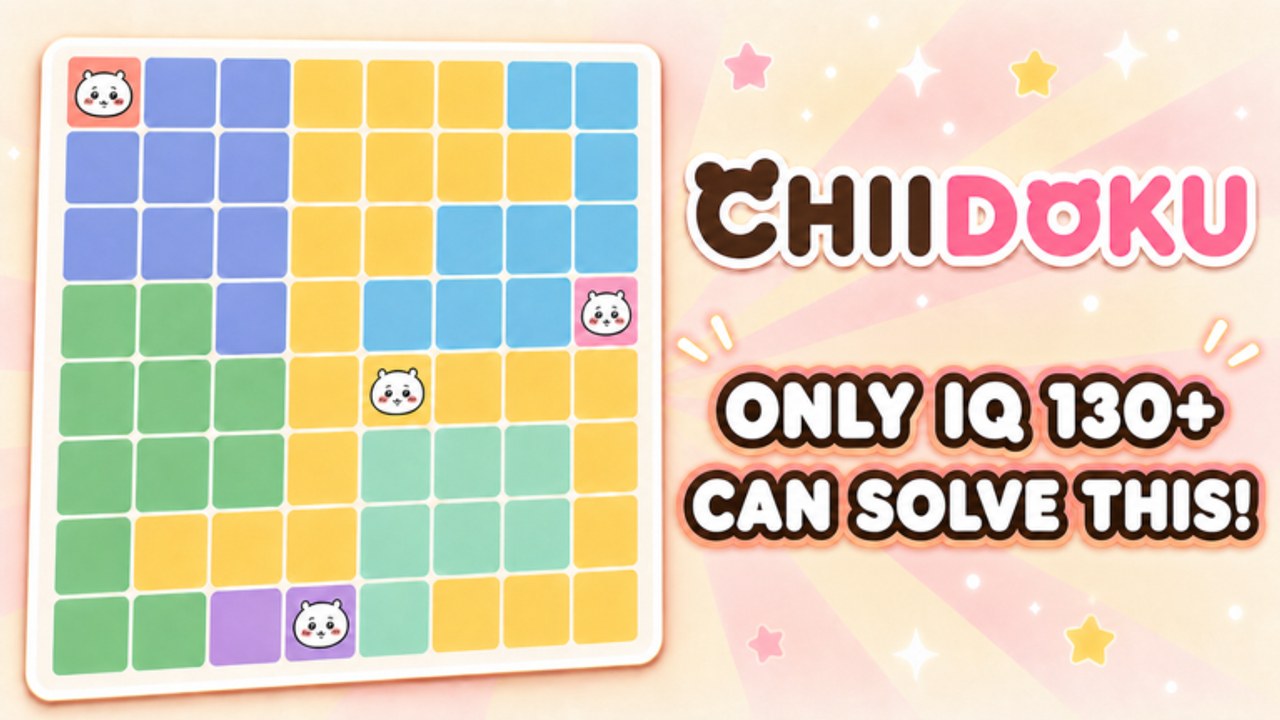
Learn this while the list is empty
The codes hub is empty as of 29 August 2026. That is the best moment to learn the redeem path. When a studio finally shouts a string, timers start. People who hunt for the button after the shout are the people who get “expired.”
Chiidoku launched on 4 August 2026. Many new Roblox puzzles wire a Codes button on the HUD before they fill it. Others add the button in a later patch. This page covers both. If the button is missing in your build, you cannot redeem yet. Watch updates instead of inventing a chat command.
Step-by-step
- Join Chiidoku from the official place.
- Favorite the experience and join 미지 스튜디오. Milestone codes often check those two boxes.
- Let the HUD finish loading. Do not mash.
- Find the Codes control. On puzzle UIs it is usually a ticket, gift, or gear icon near shop and missions. Same neighborhood as the panel you use for daily missions.
- Tap the text box. Paste the string. Do not retype from memory if you can paste.
- Confirm. Wait for success or a red reject.
- Check coins, hearts, or mail. Then leave the box so you do not redeem twice by accident.
If the control is not there, you are done. There is no secret /code chat in the listing we reviewed. Do not spam the public chat with the string; you will only gift scalpers a screenshot.
Typing rules that actually matter
- Codes are case sensitive until a studio says otherwise.
- Do not add spaces at the ends.
- Do not replace capital I with lower L.
- Do not append “Chiidoku” as a prefix because a YouTube thumbnail did.
When a code fails, walk this list:
- Already redeemed on this account.
- Expired — move it mentally to expired codes.
- Group or like gate not completed.
- Typed wrong.
- Button not wired in your version.
Then stop. Repeated fails will not summon a reward.
What success looks like
A real redeem pays something the shop already understands: coins for character unlocks, a boost that behaves like a short 2x Rewards window, or a heart item. It will not auto-complete a board. It will not mark forced cells. After you collect, go back to how to solve if you were stuck. The code did not unstick the region. You still have to.
Device notes
Mobile paste is unreliable when Roblox steals clipboard focus. If paste fails, type slowly in landscape. Console players should use the on-screen keyboard and a friend reading digits, not a memory of a Discord screenshot. PC is the easiest path. None of this changes the three placement rules in getting started.
Safety
Nobody from this wiki, and nobody from 미지 스튜디오 in a random DM, needs your password to “apply a code.” Redeem happens inside the experience. Sites that ask you to log in on a clone page are not codes. They are account theft. The same warning lives on the scripts hub because those sites often bundle both lies.
After you redeem
- Spend coins on purpose using how to get coins habits, even if the code gifted a pile.
- Do not skip dailies because a code landed. Dailies still reset.
- Tell the table on the codes hub what it paid if we have not listed the reward yet.
When the first public Chiidoku code exists, this page stays the click path. The hub stays the live table. Split those jobs in your bookmarks.
Frequently Asked Questions
Quick answers to the most common Chiidoku questions.
I cannot find a Codes button. Is the page wrong?
The button may not be wired yet. If it is missing, you cannot redeem. Watch updates rather than chatting random strings.
Do I need to like the game?
Often yes for Roblox milestone codes. Favorite the place and join the group before the string drops.
The code said invalid. Now what?
Check expiry on expired codes, then spelling. Do not brute-force variants.
Can I redeem on an alt and a main?
Usually each account once. Alts still need their own likes and group joins.